NotionNotion
Ícono de conexión

Splunk

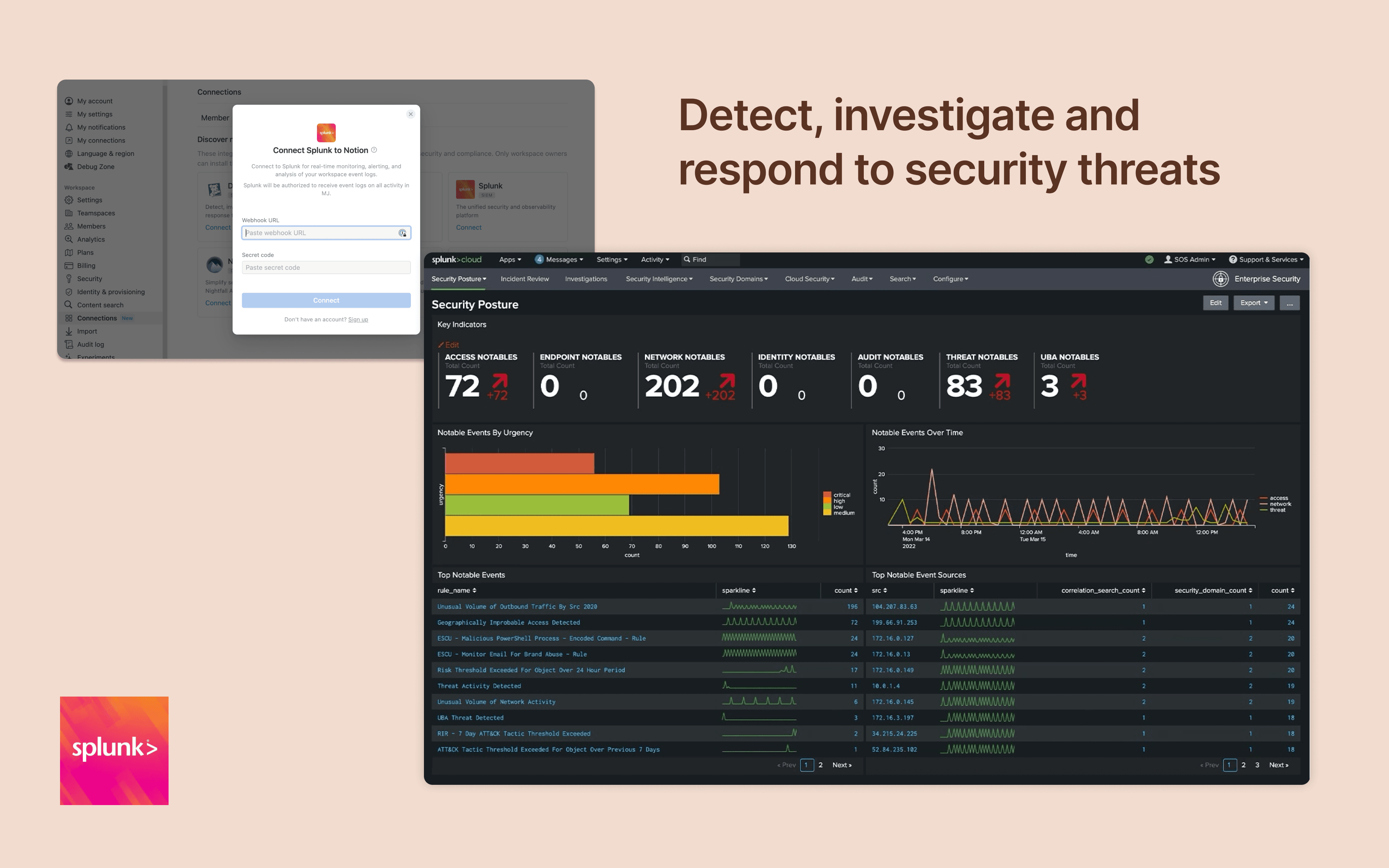
Monitor and analyze your Notion logs from Splunk
  • Eventos del espacio de trabajo
Monitor and analyze your Notion logs from Splunk

Información

Integrate Notion workspace logs into Splunk, giving security teams more oversight and insight into workspace activity. Set up popular detections and dashboards inside Splunk for easy monitoring and alerting at scale.

Cómo se usa

Only Notion Connections can install this integration as part of the Notion Enterprise plan.

  1. Log in to your Splunk instance

  2. Navigate to the Search & Reporting Settings

  3. Under the Data section → HTTP Event Collector

  4. Locate the desired HEC configuration and click on its name (or create a new one)

  5. On the configuration page, you should find the HEC URI and HEC token

You can find additional instructions in Splunk's documentation

Detalles

Creada por
Categoría
  • Seguridad y cumplimiento normativo
Enlaces para desarrolladores
Todas las marcas comerciales de terceros (incluidos logotipos e íconos) a las que se hace referencia en este documento son propiedad de sus respectivos propietarios. A menos que se indique expresamente que fueron creadas por Notion, las conexiones no cuentan con soporte ni mantenimiento por parte de Notion. Los productos o servicios de terceros a los que se vinculan las conexiones son aplicaciones que no pertenecen a Notion (según se define en el Acuerdo de suscripción principal o en los Términos de uso personal de Notion, según corresponda). Al activar cualquier conexión o usar la Galería de conexiones de Notion, aceptas los Términos de la Galería de conexiones de Notion.

Powered by Fruition